First-Time Setup
Unbox, place and power on your TV correctly, then run through the essential on-screen settings for the best out-of-the-box picture.
Clear, jargon-free guides that walk you through connecting, configuring and safely mounting your television — so you get a clean picture and a secure fit, without the guesswork.

UpkarHub is an independent, informational website built for everyday people who want to get more out of their television. Whether you have just unboxed a new smart TV or you are planning to mount your existing one on the wall, our guides break every task into simple, ordered steps.
We focus purely on education and safety. You will find checklists, tool lists, spacing recommendations and troubleshooting tips — all written in plain language. There is nothing to buy here and no accounts to create.
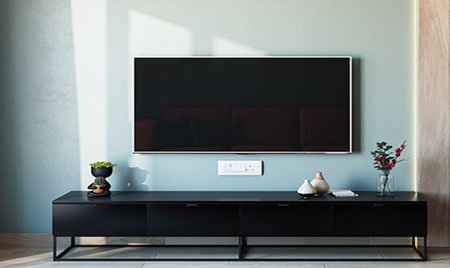
Bite-sized topics that take you from an empty wall and a boxed TV to a comfortable, well-tuned viewing setup.
Unbox, place and power on your TV correctly, then run through the essential on-screen settings for the best out-of-the-box picture.
Choose the right bracket, find your studs, set the ideal height and secure your TV to the wall with confidence and safety in mind.
Keep HDMI, power and streaming device cables tidy and hidden so your finished setup looks clean and stays organised.
Understand brightness, contrast and picture modes so you can tune your screen for movies, sports or bright daytime rooms.
Connect soundbars, streaming sticks and game consoles the right way, and learn when to use ARC/eARC for simpler audio.
Weight limits, wall types and anti-tip advice so your installation stays secure for years — especially in homes with children.
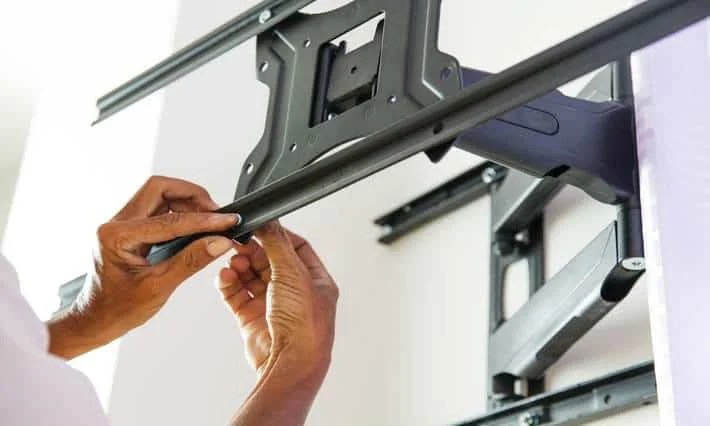
Not every room needs the same bracket. Our guides explain the three common mount styles in plain terms, so you can match one to your wall, your seating position and how you watch.
This is a general reference to help you understand the differences. Always follow the instructions supplied with your own TV and bracket.
No technical background needed. Every step is explained in everyday language with the reasoning behind it.
We highlight weight limits, wall types and anti-tip advice on every relevant page so nothing important gets missed.
We do not sell TVs, brackets or installation services. The advice here is purely educational and free to read.
UpkarHub is an independent informational website. We do not sell, install, rent or repair any televisions, mounts or related products or services, and we are not affiliated with any manufacturer or brand. All content is provided for general educational purposes only. Mounting a television involves working with tools, walls and electrical connections — if you are unsure at any point, please consult a qualified professional and always follow the instructions supplied with your specific TV and mounting hardware.
Jump into a step-by-step guide, or send us a question if there is a topic you would like us to cover next.